Online request forms that turn interest into quotes.
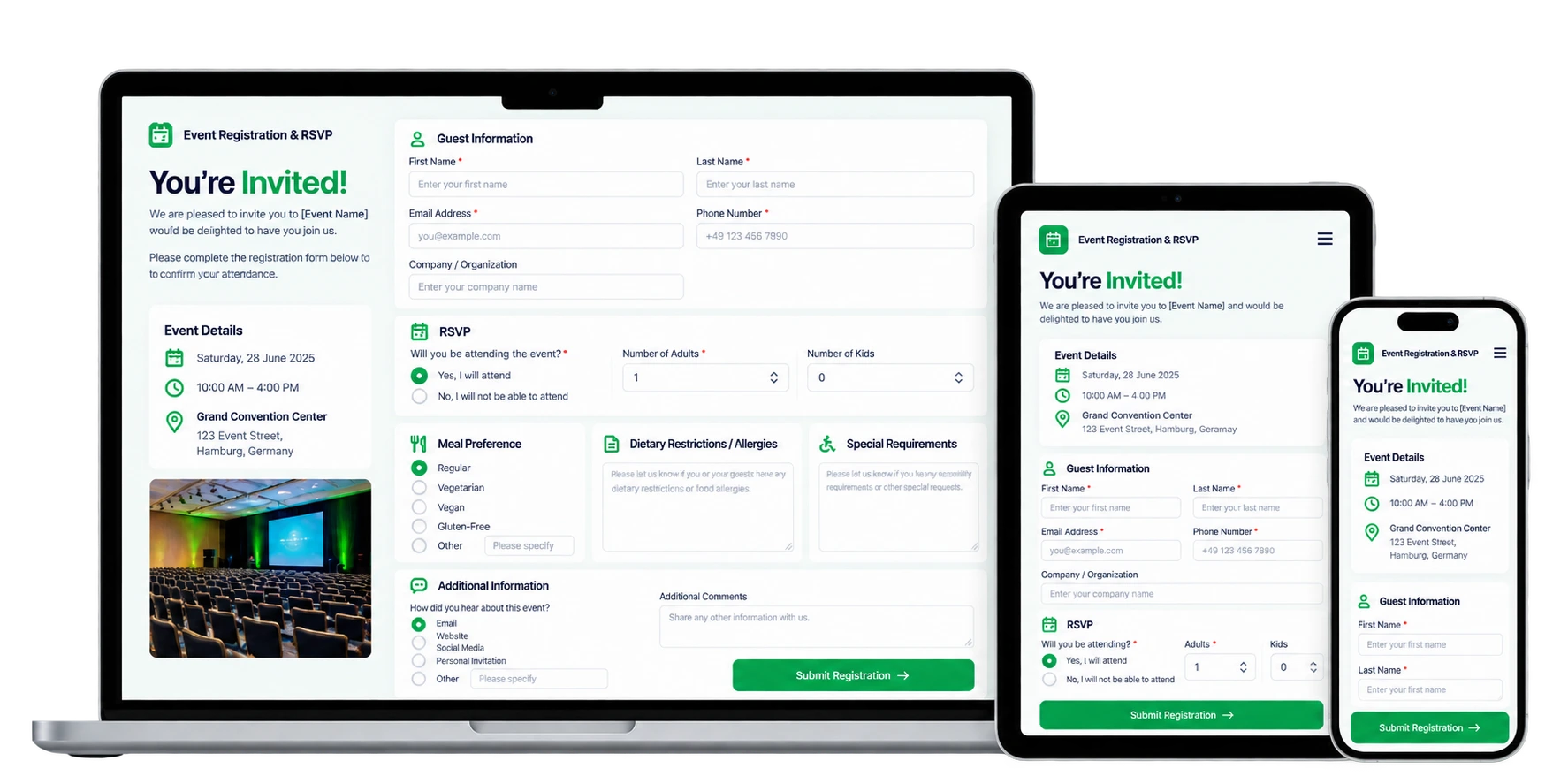
Embed a highly customizable online request form on your website so prospective customers request an event for a specific date, share their guest count, budget and service interest, and ask for a quote — every enquiry drops straight into your Online Requests inbox, ready to convert to a lead, event or proposal in one click.
A request form shaped around every enquiry.
Configure the form once and control exactly what you ask for — event type, requested date, guest count, the services or menus a prospect is interested in, an approximate budget, and any custom questions your venue needs answered. It carries your branding and works on any device, so the enquiry feels like part of your own site.
- Highly customizable fields and custom questions
- Event type, date, guest count, services and budget
- Embed on any website by link or iframe
- Multi-language, your branding, mobile-friendly
Every request lands where you already work.
There's no separate inbox to watch and no spreadsheet to reconcile. As prospects submit the form, each enquiry shows up in your Online Requests inbox as an actionable request — review it, then convert it to a lead, event or proposal in one click. Optional deposits and instant notifications keep nothing waiting.
- Feeds directly into the Online Requests inbox
- One-click convert to a lead, event or proposal
- Optional deposit and instant notifications
Published in a few minutes.
- Enable the add-on from the in-app Marketplace.
- Build your form — pick the fields and custom questions your enquiries need, add your branding, then embed it by link or iframe.
- Work the requests. Each enquiry drops into the Online Requests inbox, ready to convert to a lead, event or proposal in one click.
There's nothing to install and no third-party form builder to wire up. Once the form is live, prospects request events themselves and the enquiries arrive in LightCater automatically — you just work the inbox.
Turn it off anytime from the Marketplace; your LightCater records are never affected.
Online request form questions.
What is the online request form for?
How customizable are the fields?
Can I embed it on my website?
Where do requests go?
Is it included in my plan?
Let prospects request their event and ask for a quote.
Run a real event in LightCater free for 14 days, then publish an online request form in a couple of clicks.