Run offsite catering like clockwork.
Manage delivery addresses, timing and routing for offsite and drop-off catering — all attached to the event, so your drivers have exactly what they need and nothing runs on a sticky note.
Every drop-off, planned to the minute.
Offsite jobs live or die on the details — the right address, the right arrival time, who to find when the driver gets there. LightCater keeps all of it on the event record, so the delivery sheet is built the moment the booking is, and nothing gets lost between the kitchen and the curb.
- Delivery address & timing per event
- Drop-off and pickup logistics
- Dietary and setup notes travel with the job
- Contact on site for the driver
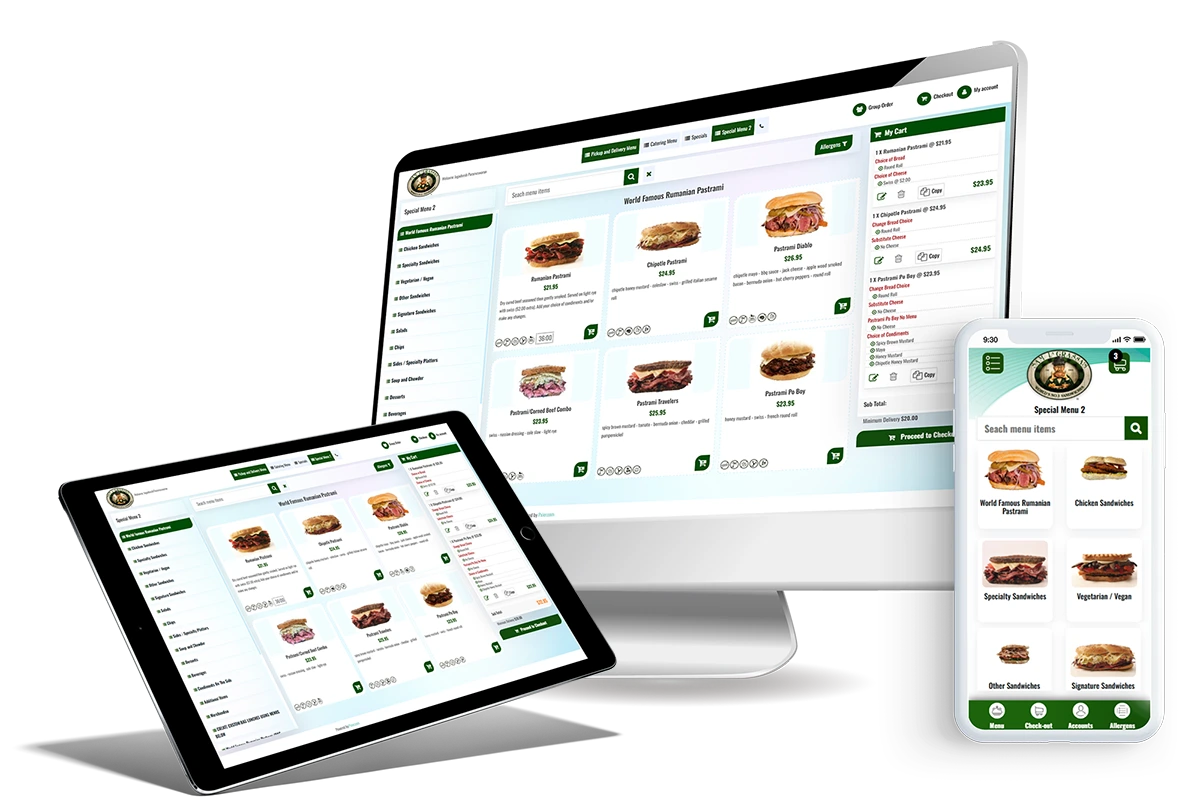
Your drivers get exactly what they need.
When a job leaves the building, the whole plan goes with it. Each delivery prints a clean, driver-ready sheet with the address, timings and on-site contact — and because offsite work sits on the same calendar as your on-site events, dispatch sees the full day in one place instead of juggling a separate spreadsheet.
- Driver-ready delivery details
- Offsite jobs stay on the same calendar as on-site events
- Nothing runs on a separate spreadsheet
New to running jobs away from your venue? See what off-premise catering is and how it differs from in-house events.
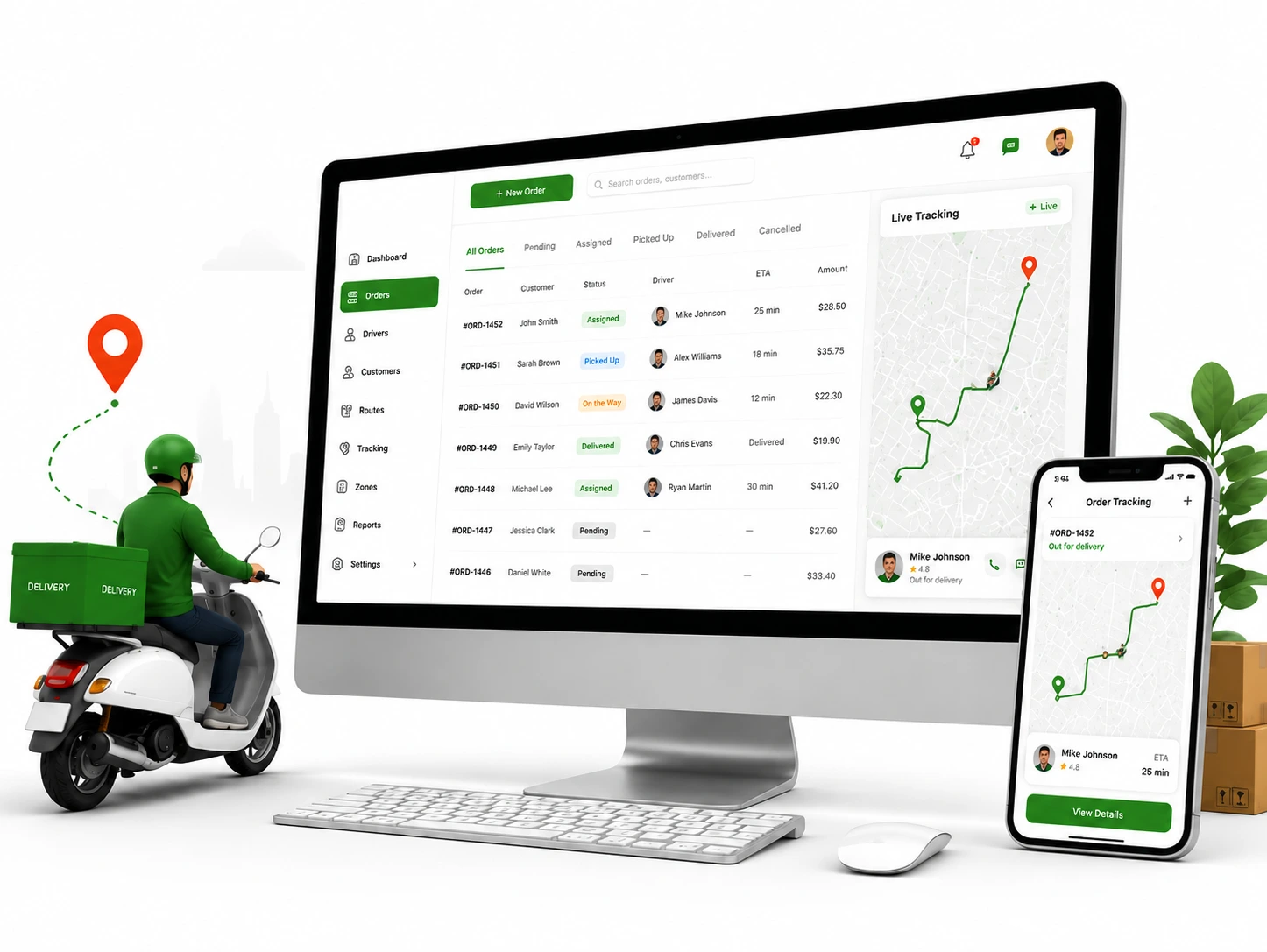
From booking to the driver's hands.
- Enable the add-on from the in-app Marketplace.
- Add the delivery details to the event — address, arrival and pickup times, guest count, dietary and setup notes, on-site contact.
- Send the driver off with a ready-made delivery sheet, while the job stays on your shared calendar.
There's nothing extra to set up per job. Once the add-on is on, every event can carry delivery details — and the driver-ready sheet is generated straight from what you already entered, no re-typing.
Turn it off anytime from the Marketplace; your LightCater events are never affected.
Offsite & delivery questions.
What's captured for each delivery?
Do drivers get their own sheet?
Is it on the same calendar as on-site events?
How is this different from on-premise catering?
Is it included in my plan?
Get every drop-off out the door on time.
Run a real event in LightCater free for 14 days, then switch on offsite delivery the day you need it.