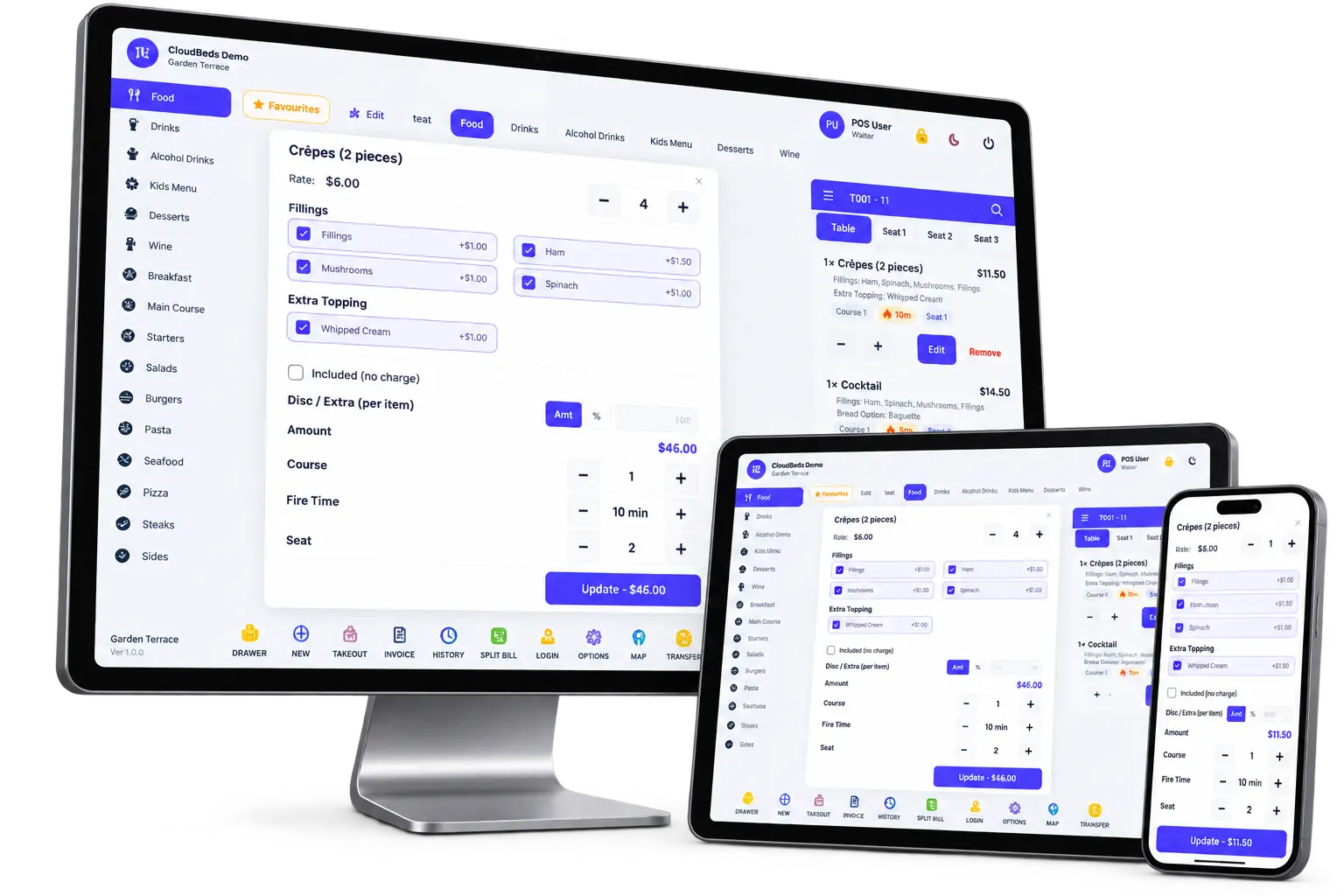
Online Ordering · catering, takeout & delivery

Your menu online.
Every order, handled.

Give customers your own branded ordering site for catering, pickup and delivery. They order ahead on any device — and every order flows straight into LightCater, your POS or Order Management, with a clear workflow from confirmation to delivery.
  • Catering, pickup & delivery menus with photos and allergens
  • Order today, tomorrow or weeks ahead — one day or many
  • Orders routed to LightCater, POS or Order Management
  • Kitchen tickets, production sheets and driver dispatch built in
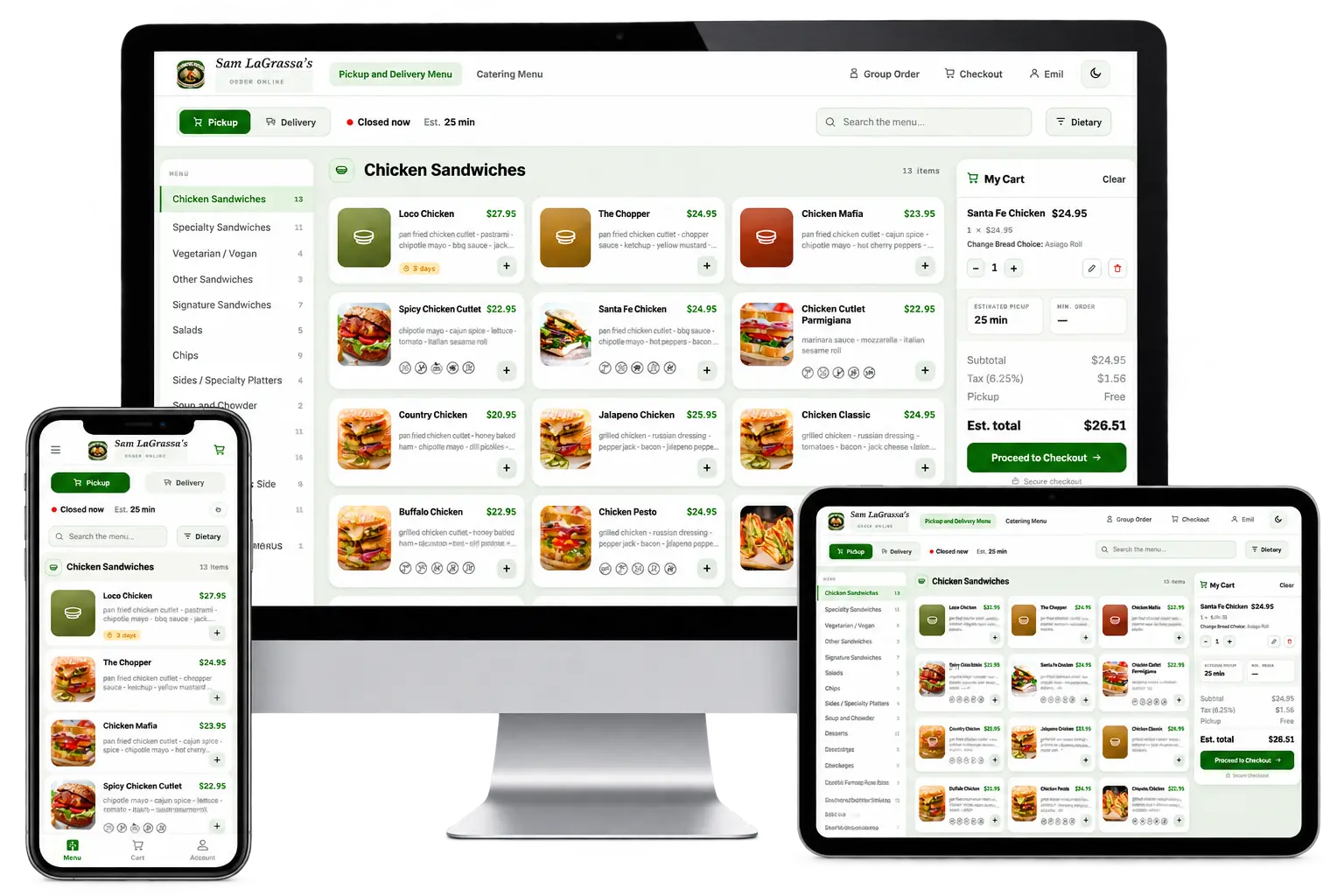
LightCater online ordering storefront on desktop, tablet and phone with menu, allergen filter and cart

No halls or rooms needed — just your menu · Works on desktop, tablet and phone · One system from the online order to the kitchen and the door

Why LightCater online ordering

More orders online, less work behind the counter.

Online Booking is for events in your halls and rooms. Online Ordering is for everything else your kitchen sells — catering drop-offs, office lunches, pickup and delivery — with the order, the kitchen and the driver in one flow.

01 · A storefront that sells

Your menu, beautifully online.

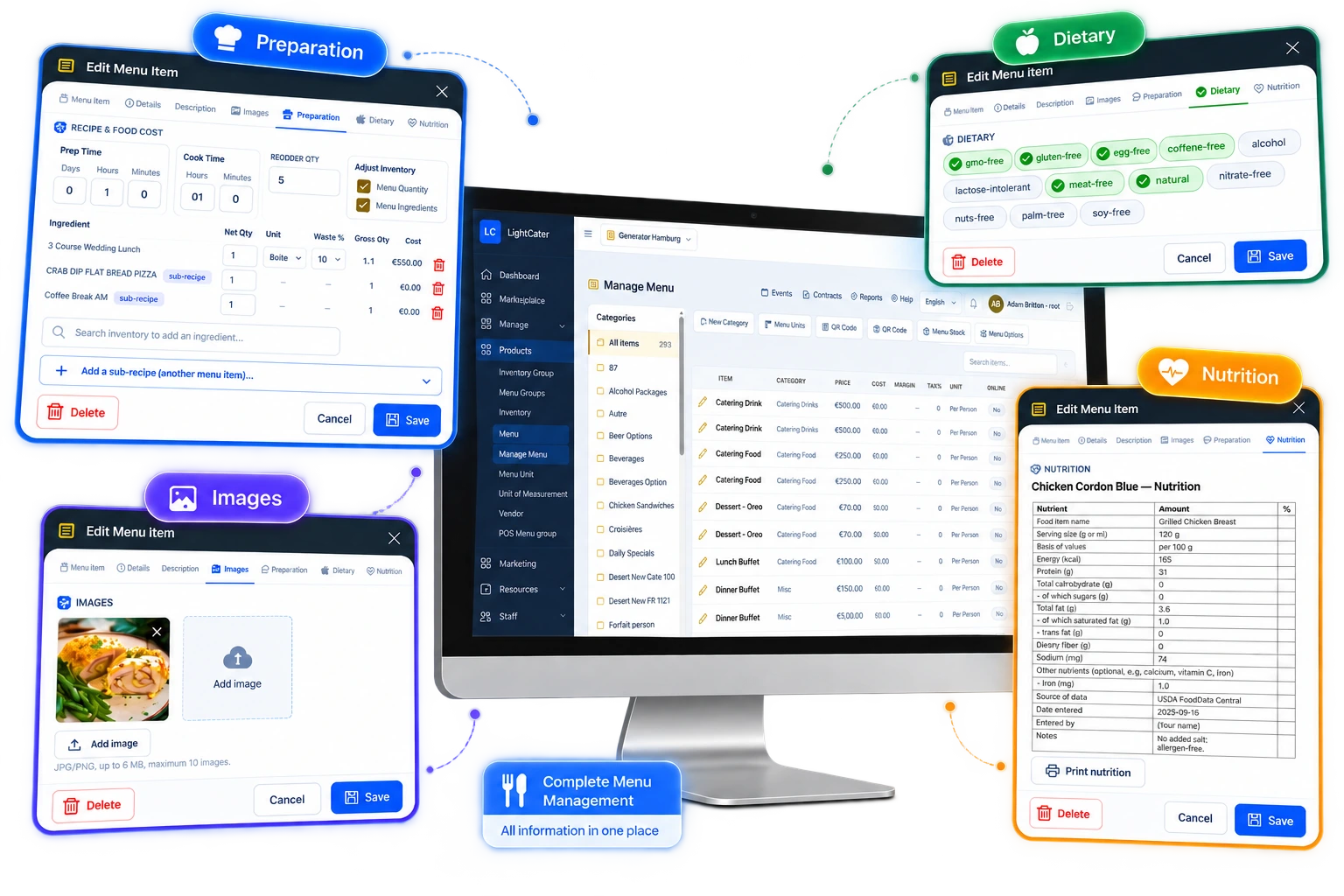
Separate menus for pickup and delivery and for catering, with photos, descriptions, modifiers and per-person catering packages. Every dish carries allergen and dietary icons, and customers can filter the whole menu by allergen in one tap.

  • Photos, modifiers and required choices
  • Allergen and dietary filter, search and categories
  • Multiple locations, each with its own menu
02 · Order ahead

Today, tomorrow or weeks ahead.

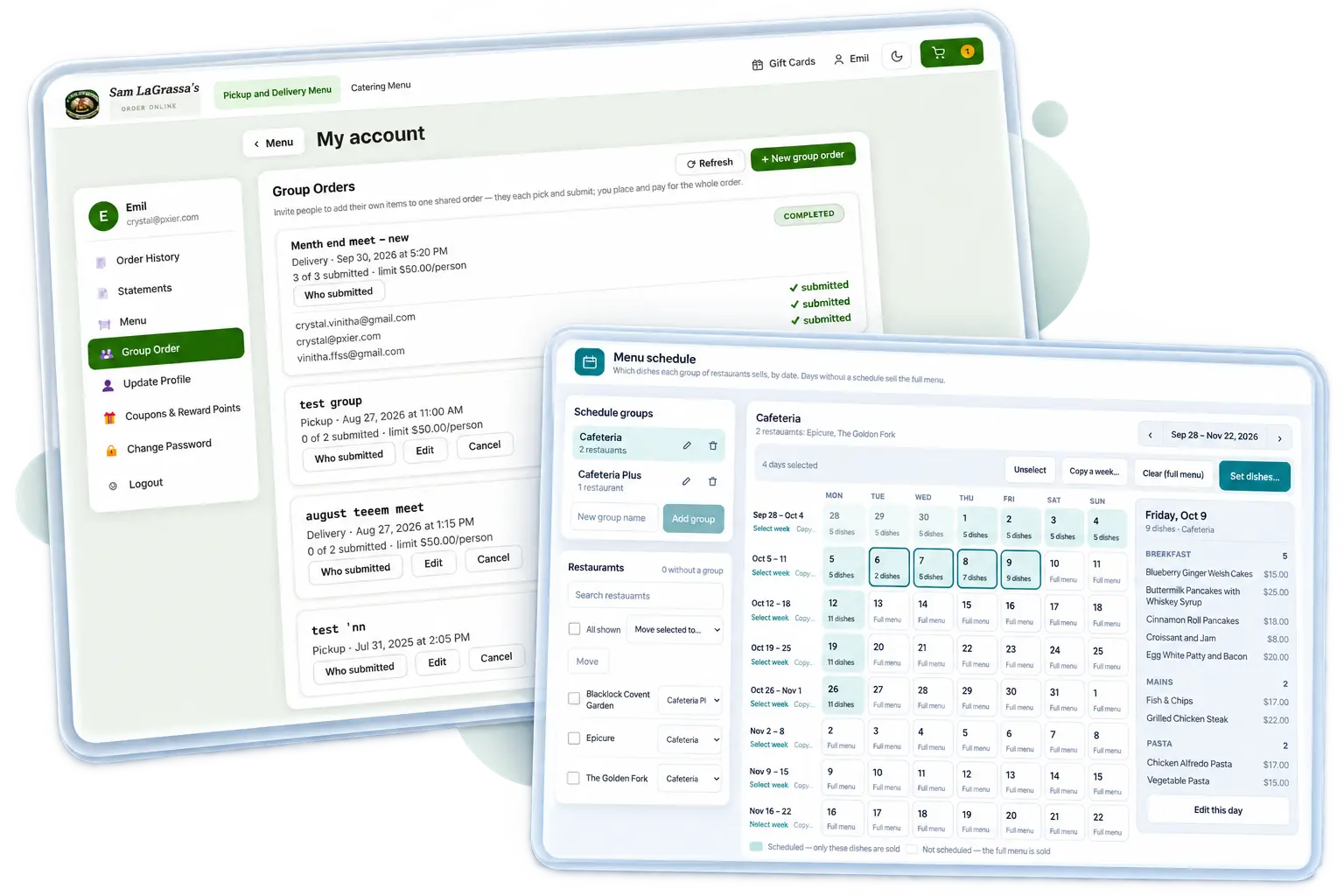
Customers choose ASAP or a future date and time, and your rules do the rest — opening hours, last-order cutoffs, holiday closures and prep lead times per item. Rotate weekly menus up to 8 weeks out, take several days in one checkout, or let a regular order repeat every week.

  • Cutoffs, closed days and lead times enforced automatically
  • Daily or weekly rotating menus, planned weeks ahead
  • Group orders: invite colleagues, one merged order, one payment
03 · Checkout that fits every order

Everything at checkout, nothing missing.

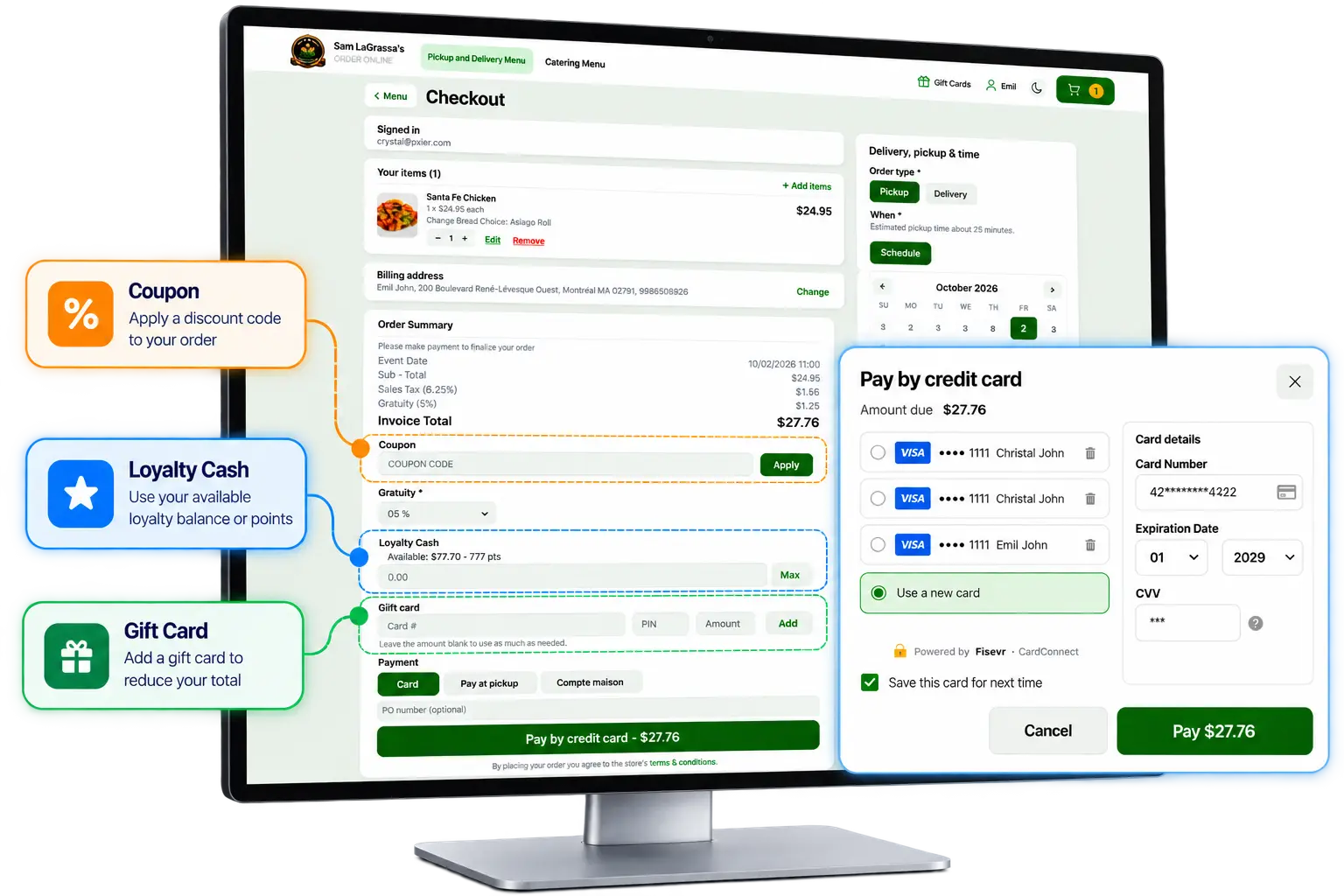
Pickup or delivery, tips, coupons, loyalty rewards and gift cards, delivery fees by zone or distance, minimum orders, taxes and VAT — all calculated correctly, every time. Take cards online, or let trusted customers pay on account with a PO number and monthly statements.

  • Card payments online, or house accounts with statements
  • Loyalty, coupons and gift cards
  • Sales tax or VAT-inclusive pricing, multiple currencies
04 · Every order goes where it belongs

LightCater, POS or Order Management.

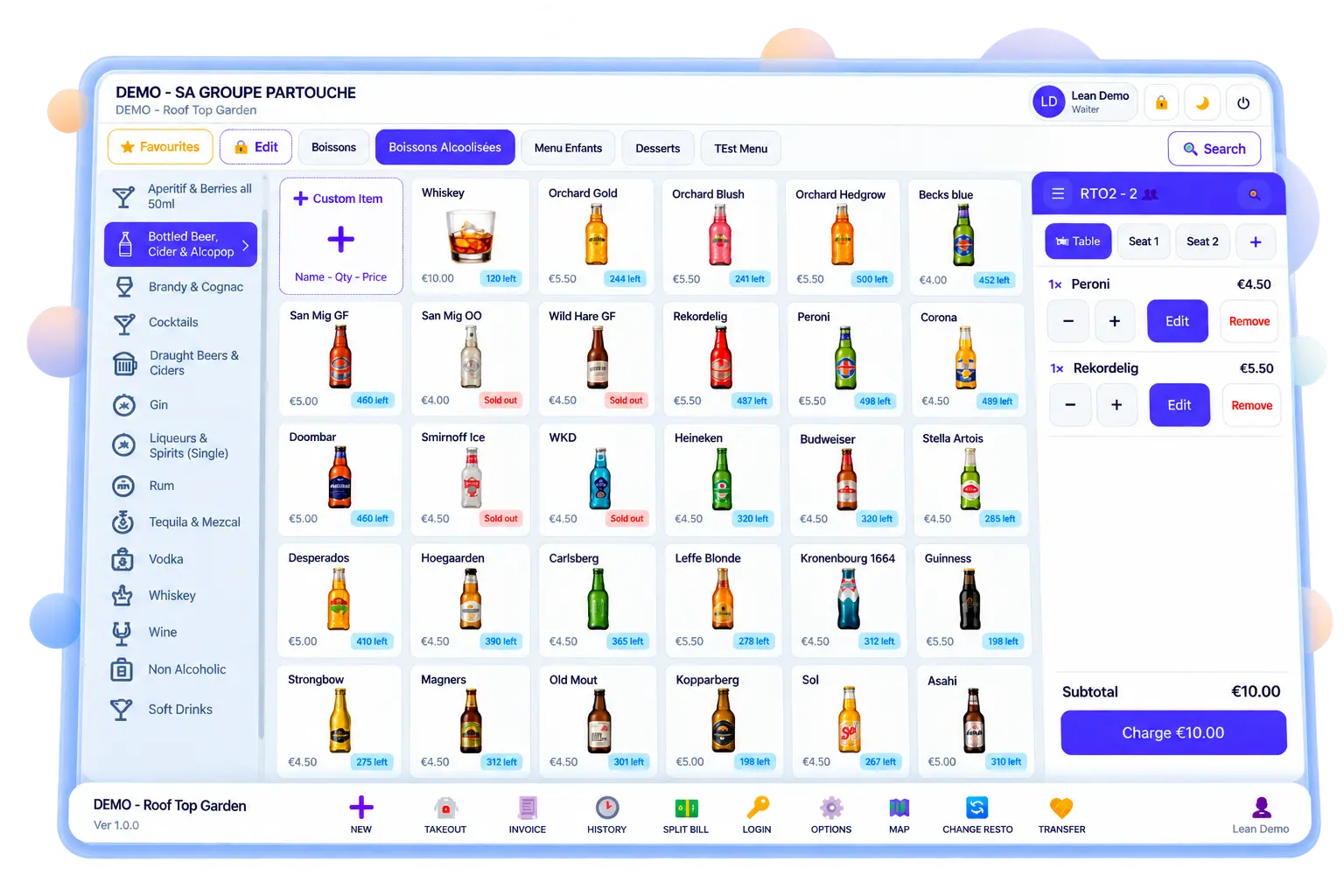
Decide where each kind of order lands. Send catering into LightCater alongside your events, send takeout to the POS and kitchen screens, or run everything from Order Management — with a status workflow your whole team can see, from new to confirmed, in the kitchen, out for delivery and completed.

  • Status workflow with colours your team recognises
  • List, weekly and monthly calendar views of every order
  • Confirmation emails with a link to the invoice
05 · Kitchen ready

From the website to the kitchen, instantly.

New orders print as kitchen tickets on the right station, appear on kitchen screens, and roll up into production sheets that total every dish for the next hours or days — so the kitchen always knows what to make and when.

  • Kitchen tickets routed to each printer or station
  • Kitchen display with ready, bump and recall
  • Production and pick sheets by time window
06 · Delivery & dispatch

Out the door and on time.

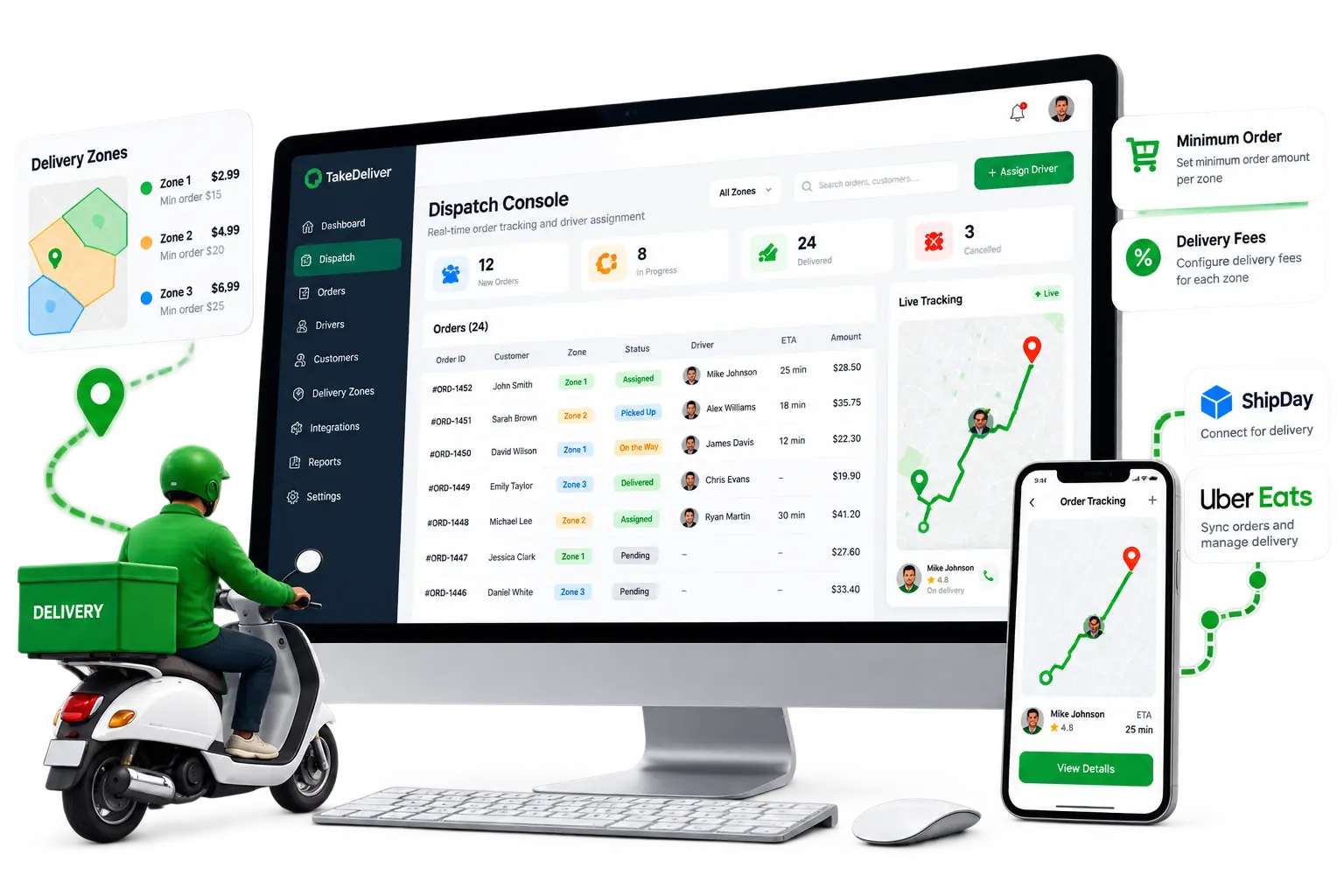
See every delivery for the day, assign drivers in a click, and track each order's delivery status from assigned to delivered. Connect ShipDay for your own drivers, and publish your menu to Uber Eats from the same place.

  • Dispatch console with driver assignment
  • Delivery zones, fees and minimum orders
  • ShipDay and Uber Eats connections
Built on Online Ordering

School Lunch Ordering

Run a school lunch program under your own brand. Parents plan meals for each child weeks ahead; your kitchen gets exact numbers, labels by class and delivery routes by school.

  • A profile for every child — school, class and allergies
  • Order a week or a whole month in one checkout
  • Labels, packing lists and routes by school
Explore School Lunch Ordering →
Made for how food businesses sell

One ordering platform, every kind of order.

Catering drop-offs

Per-person packages, advance notice and delivery windows for meetings, parties and events without a venue.

Office & group lunches

One organiser invites the team, everyone picks their own meal, and it arrives as one order with one payment.

Pickup & delivery

Everyday takeout with ASAP or scheduled times, delivery zones and fees, and live opening hours.

Staff cafeterias

Rotating daily menus shared across many sites — or a menu of their own for any location.

School lunches

Parents order weeks ahead for each child, with allergies, credits and labels by class. Learn more.

Loyal regulars

Customer accounts, order history and one-click reorder, plus loyalty rewards and gift cards that bring them back.

How it works

Taking orders in three steps.

1

Set up your menus & rules

Add your menus, photos and allergens, then set hours, cutoffs, delivery zones and payment options.

2

Share your ordering link

Put it on your website, social profiles, emails or a QR code. Customers order on any device.

3

Cook, pack & deliver

Orders arrive in LightCater, your POS or Order Management — tickets print, the kitchen cooks, drivers deliver.

FAQ

Online ordering, answered.

How is Online Ordering different from Online Booking?
Online Booking is for events held in your halls and rooms — customers request a date, room and menu. Online Ordering is for food you prepare and hand over or deliver — catering drop-offs, office lunches, pickup and delivery — with no rooms involved.
Where do online orders go?
You decide. Orders can go into LightCater alongside your catering and events, to your POS and kitchen screens, or into Order Management, where every order follows a status workflow from new to completed.
Can customers order ahead?
Yes. Customers choose ASAP or a future date and time, within your opening hours, cutoffs and prep lead times. They can order several days in one checkout, and a regular order can repeat weekly.
Can I show allergens and dietary information?
Yes. Every dish can carry allergen and dietary icons, and customers can filter the menu by allergen or dietary need.
How do customers pay?
By card online, or on account for approved business customers with a PO number and statements. Tips, coupons, loyalty rewards, gift cards, delivery fees and taxes — including VAT — are all handled at checkout.
Do you handle delivery?
Yes. Set delivery zones, fees and minimums, then assign drivers from the dispatch console. You can also connect ShipDay for your own drivers and publish your menu to Uber Eats.

Start taking orders online.

Book a quick demo and we'll set up your menus, ordering link and kitchen workflow with you — or start a free 14-day trial.